Original: $15.00
-70%$15.00
$4.50The Story
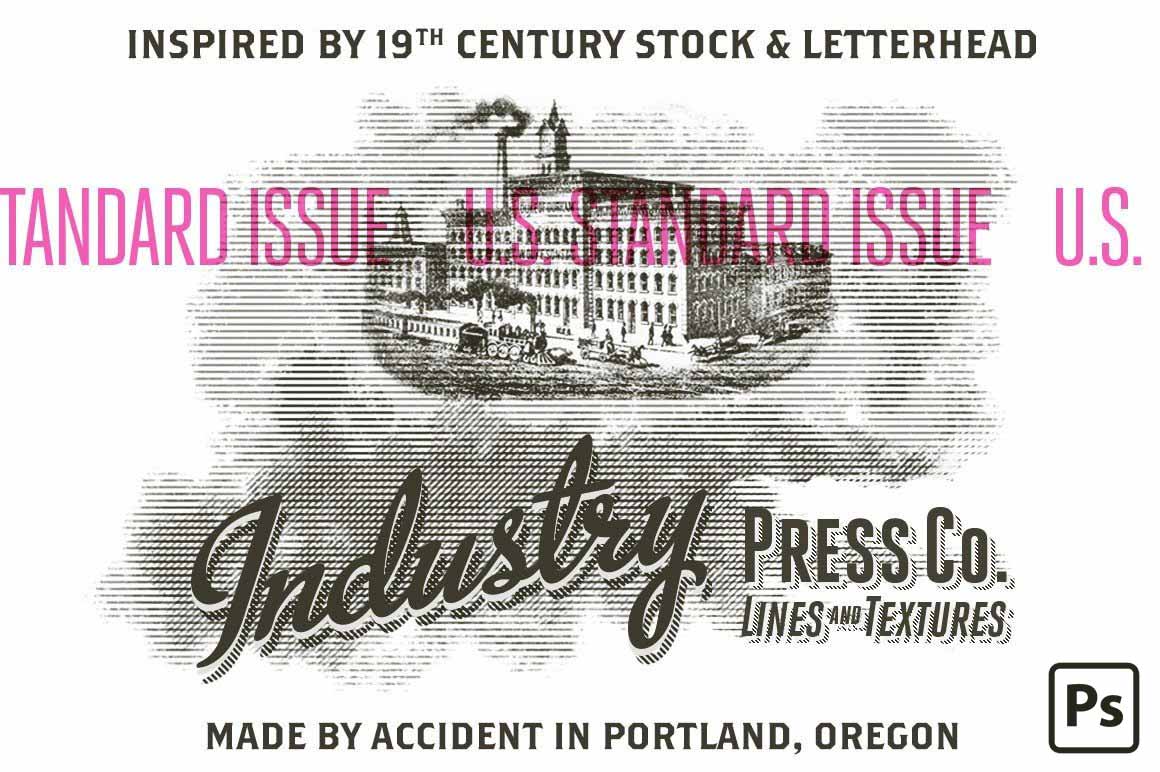
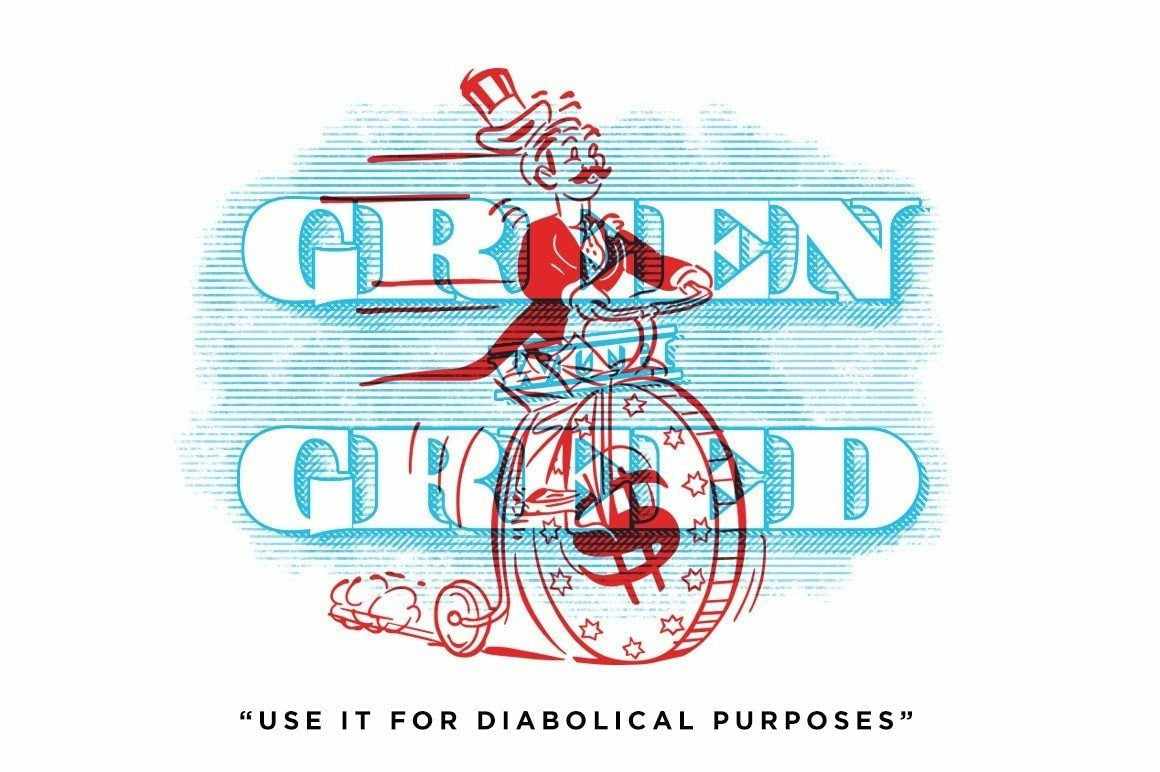
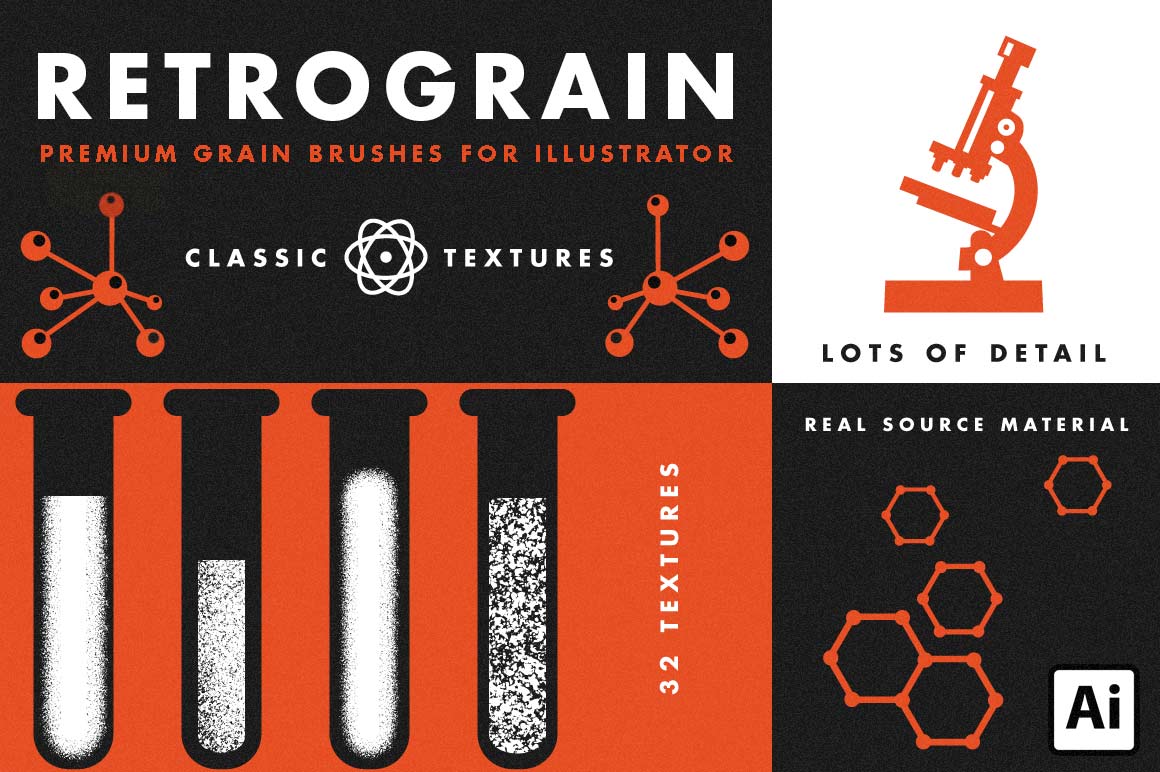
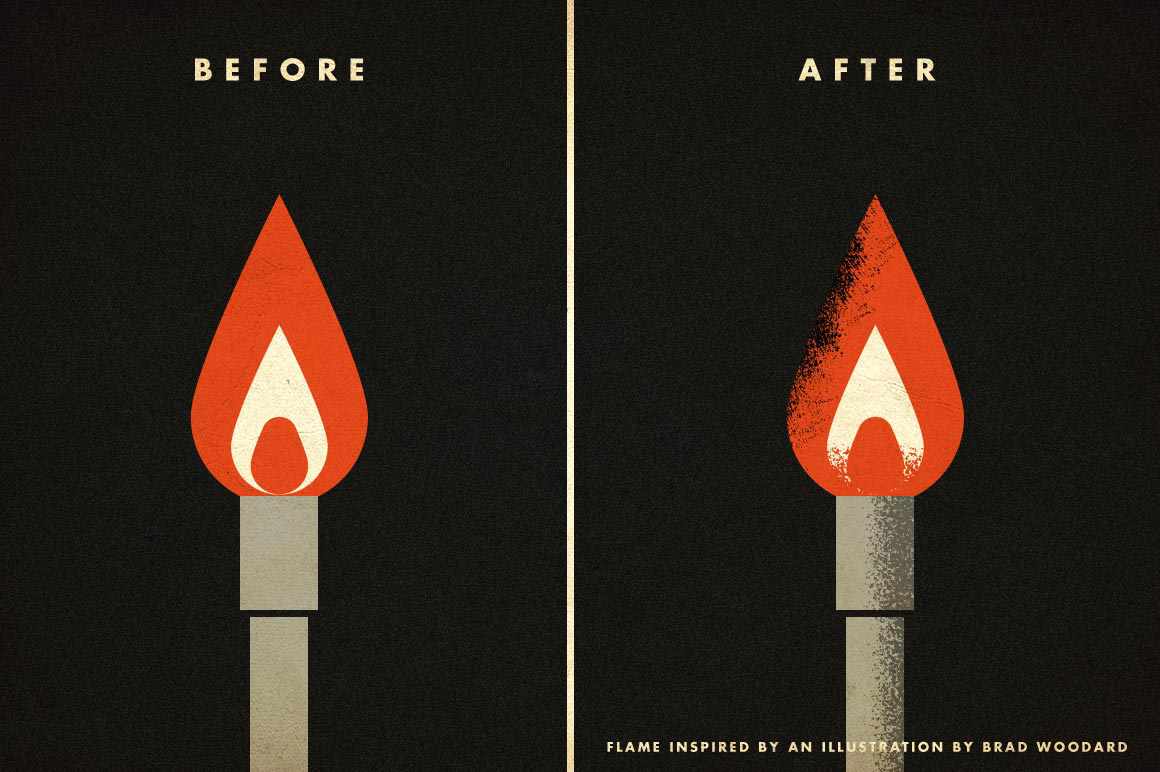
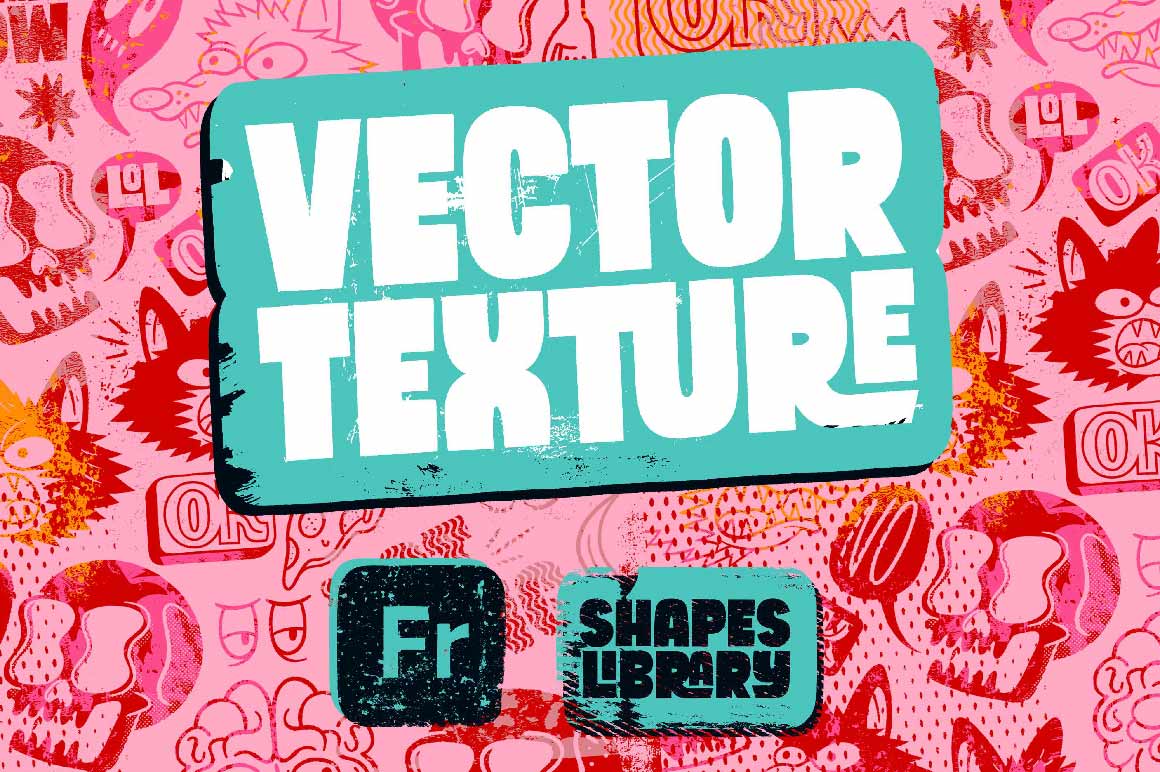
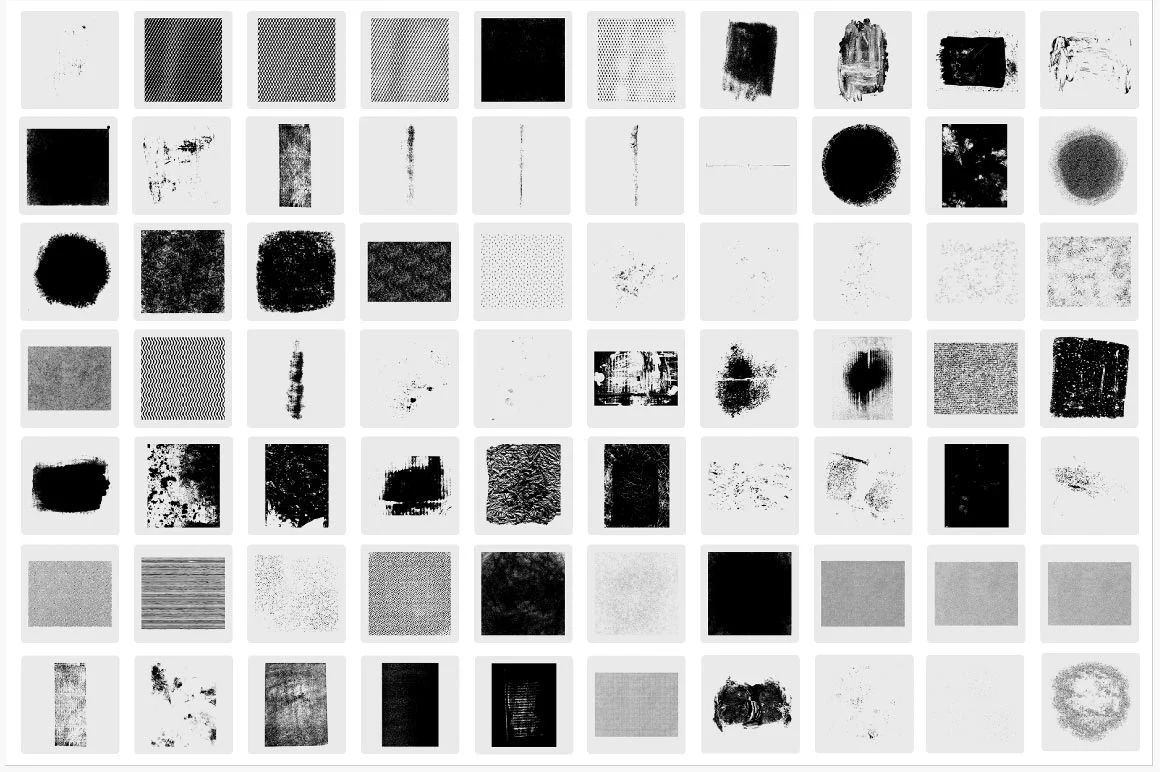
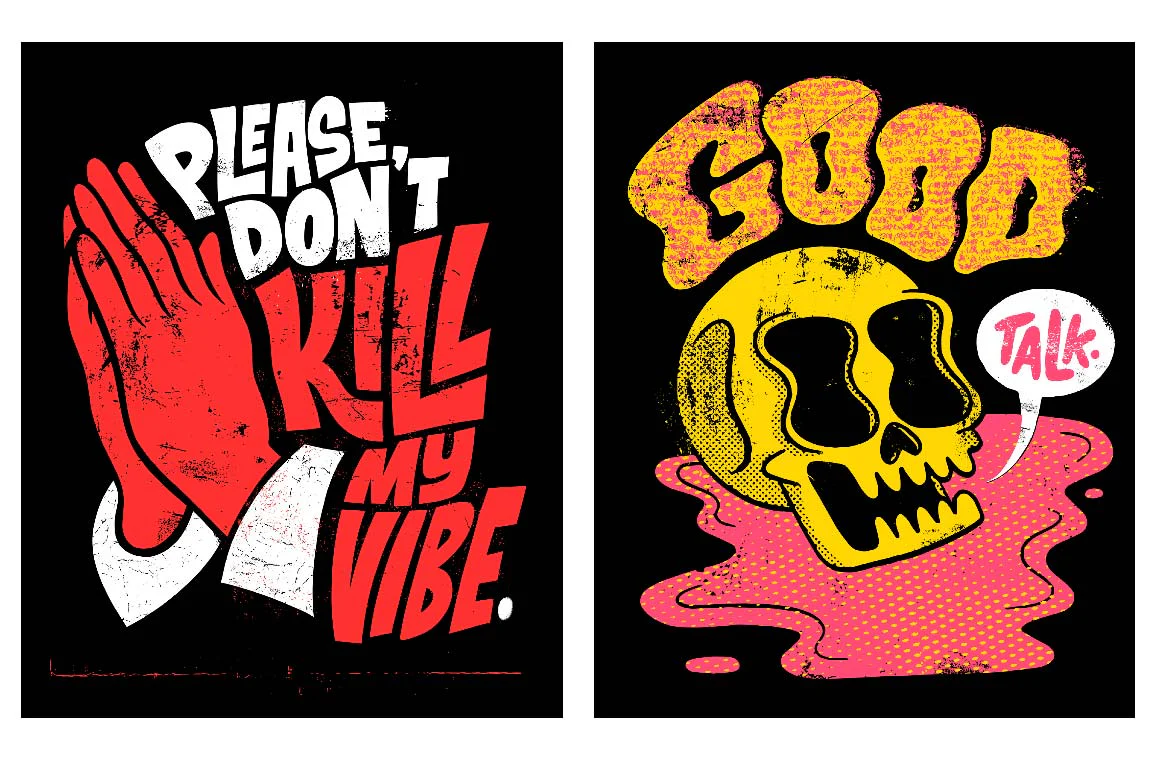
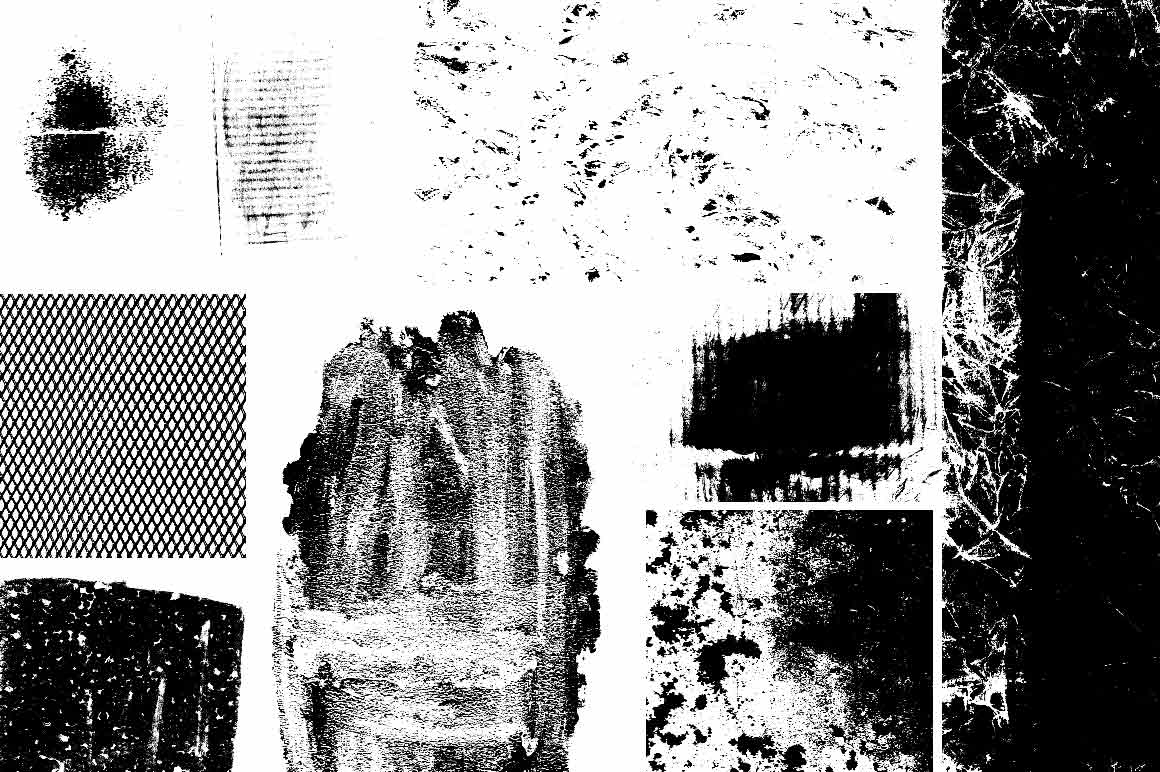
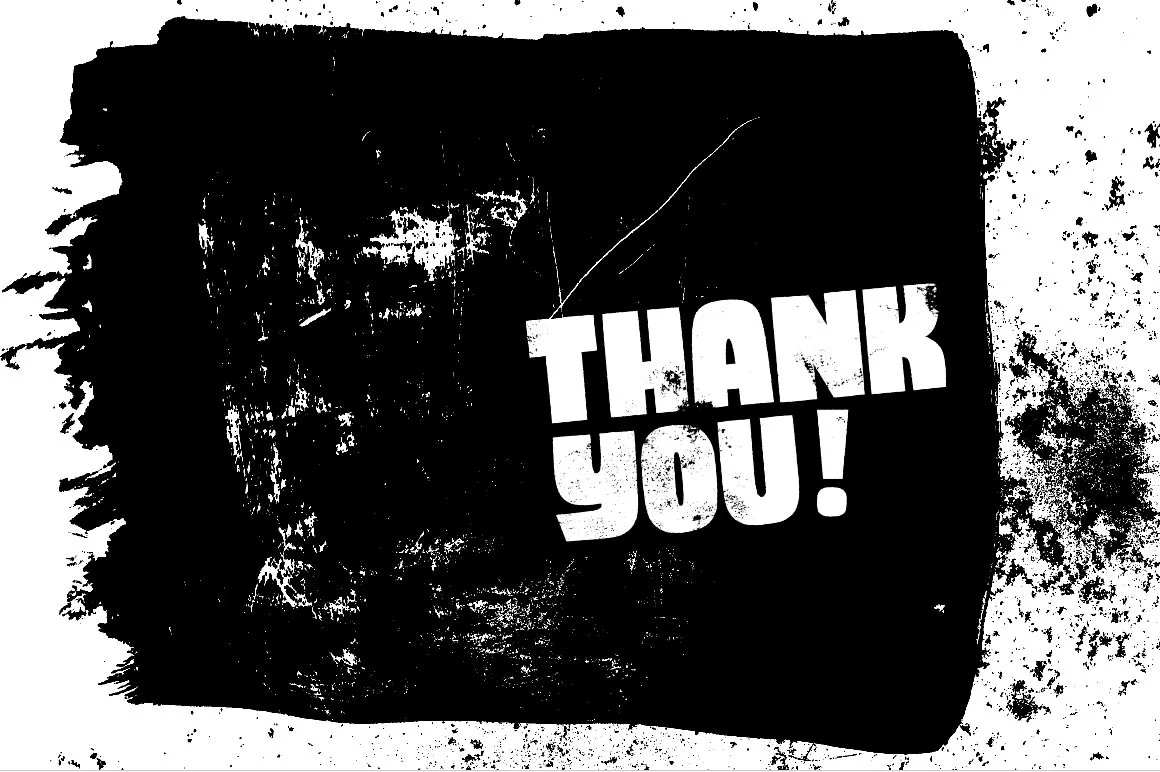
From Chris Piascik comes a collection of Fresco friendly textures using analog materials that were scanned and converted to work as vector art. Chris used different inks, markers, paints and more on materials ranging from regular paper to metal, styrofoam, packaging materials and more.
Upon purchase, you'll receive a PDF with a clickable link. When you follow this link, you'll be seamlessly directed to Adobe Creative Cloud, where you'll log in. Tap/click the blue "Create a Copy" button at the top right. The library will be added, making them readily accessible in your Shape Tool sub-menu.
Software: Adobe Fresco
Hardware: Compatible with mobile devices running Adobe Fresco
Storage: 10 MB
Memory: 16gb RAM or higher
Details & Craftsmanship
Every detail has been carefully considered to bring you the perfect product.
Details & Craftsmanship
Every detail has been carefully considered to bring you the perfect product.
Details & Craftsmanship
Every detail has been carefully considered to bring you the perfect product.
Details & Craftsmanship
Every detail has been carefully considered to bring you the perfect product.
Description
From Chris Piascik comes a collection of Fresco friendly textures using analog materials that were scanned and converted to work as vector art. Chris used different inks, markers, paints and more on materials ranging from regular paper to metal, styrofoam, packaging materials and more.
Upon purchase, you'll receive a PDF with a clickable link. When you follow this link, you'll be seamlessly directed to Adobe Creative Cloud, where you'll log in. Tap/click the blue "Create a Copy" button at the top right. The library will be added, making them readily accessible in your Shape Tool sub-menu.
Software: Adobe Fresco
Hardware: Compatible with mobile devices running Adobe Fresco
Storage: 10 MB
Memory: 16gb RAM or higher