The Story
Get Natural Looking Crosshatching in Seconds
Developed by artist in France hundreds of years ago, crosshatching is the technique of adding shade, depth, and texture to illustrations with closely spaced lines.
By overlapping different angles of the lines you can add life and interest into the most simple drawing.
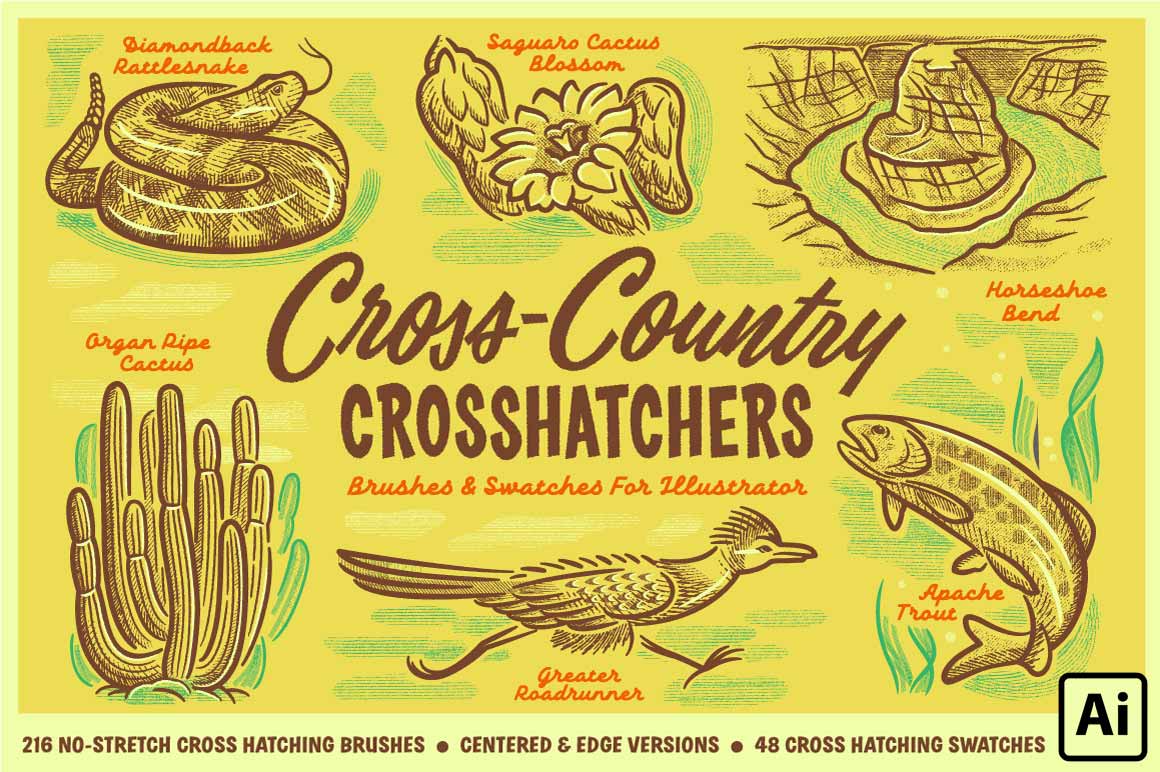
Our Cross-Country Crosshatchers Pack includes every single tool you'll ever need to add crosshatching to your illustrations in Adobe Illustrator––and quickly too.
Product Features
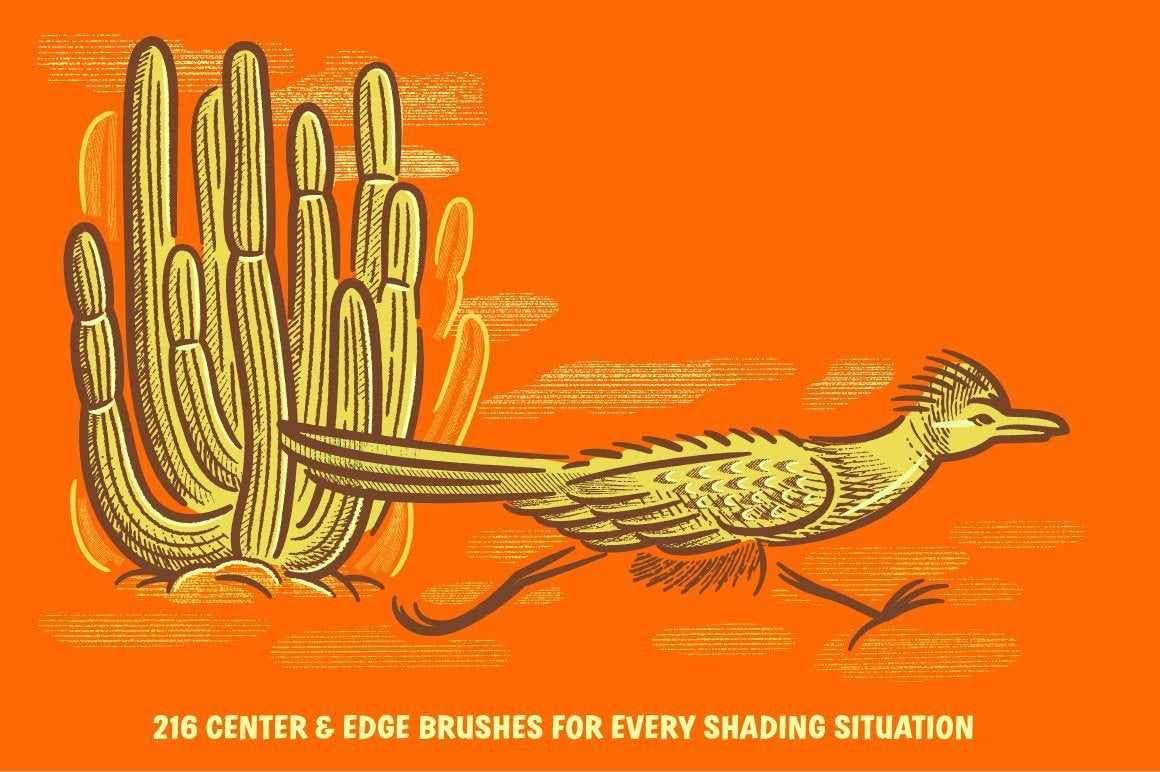
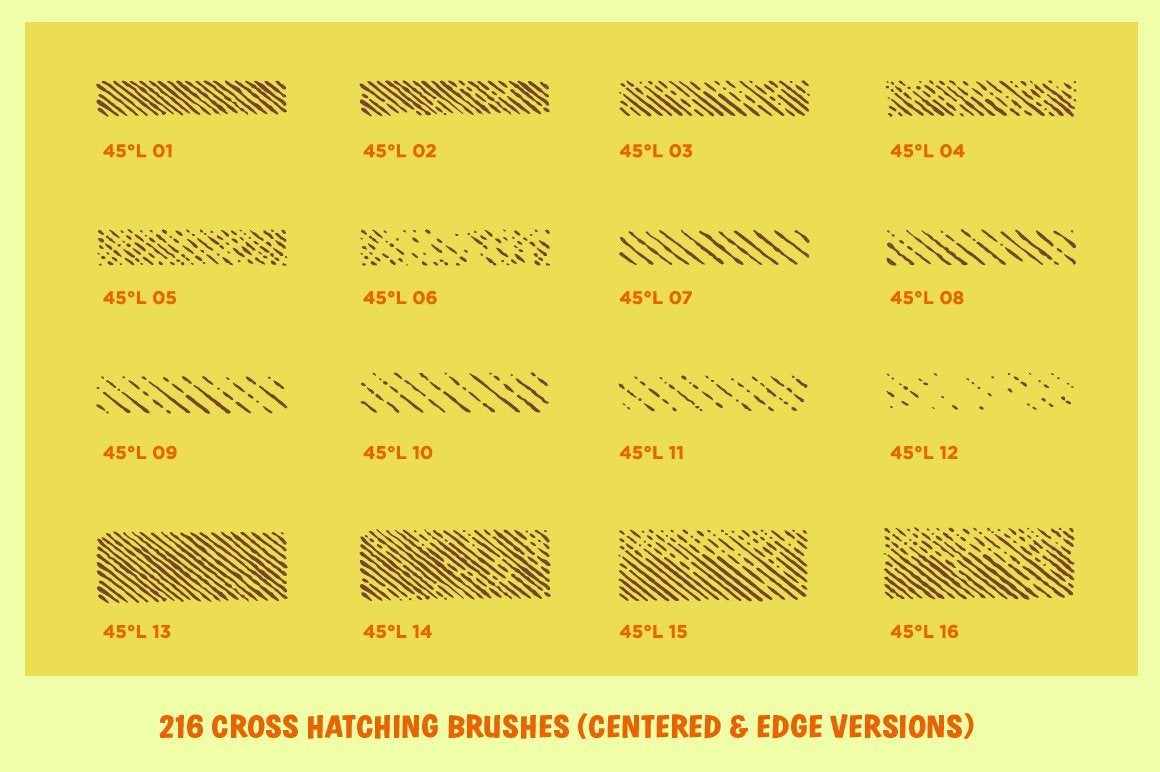
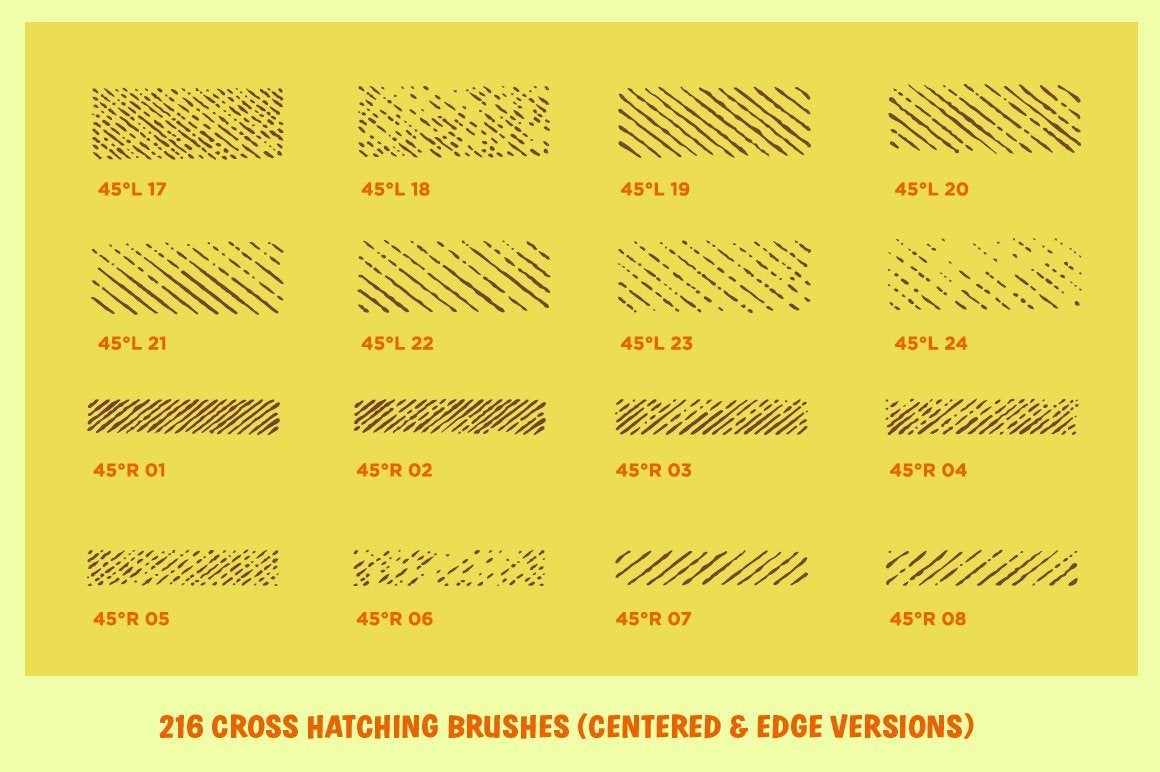
- 216 hatching brushes for Adobe Illustrator to give you perfect crosshatching textures in your illustrations.
- 108 centered brushes and 108 edge brushes (for easy work on large areas or precise edges).
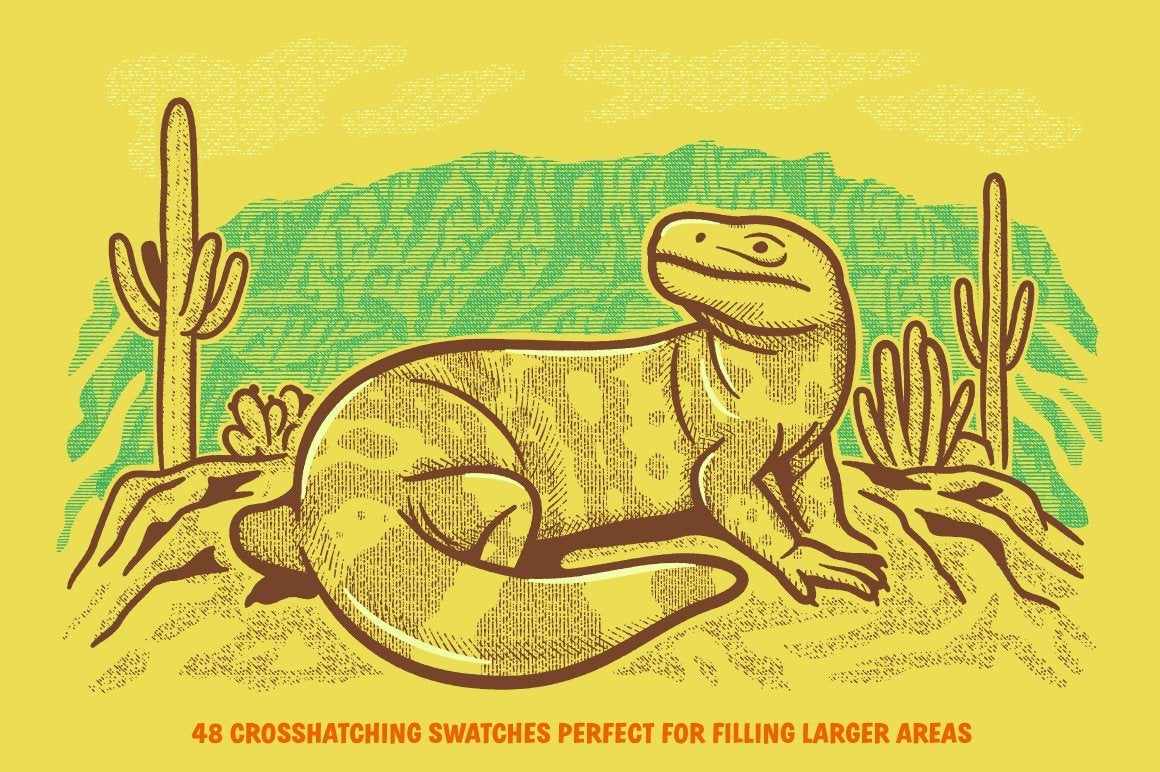
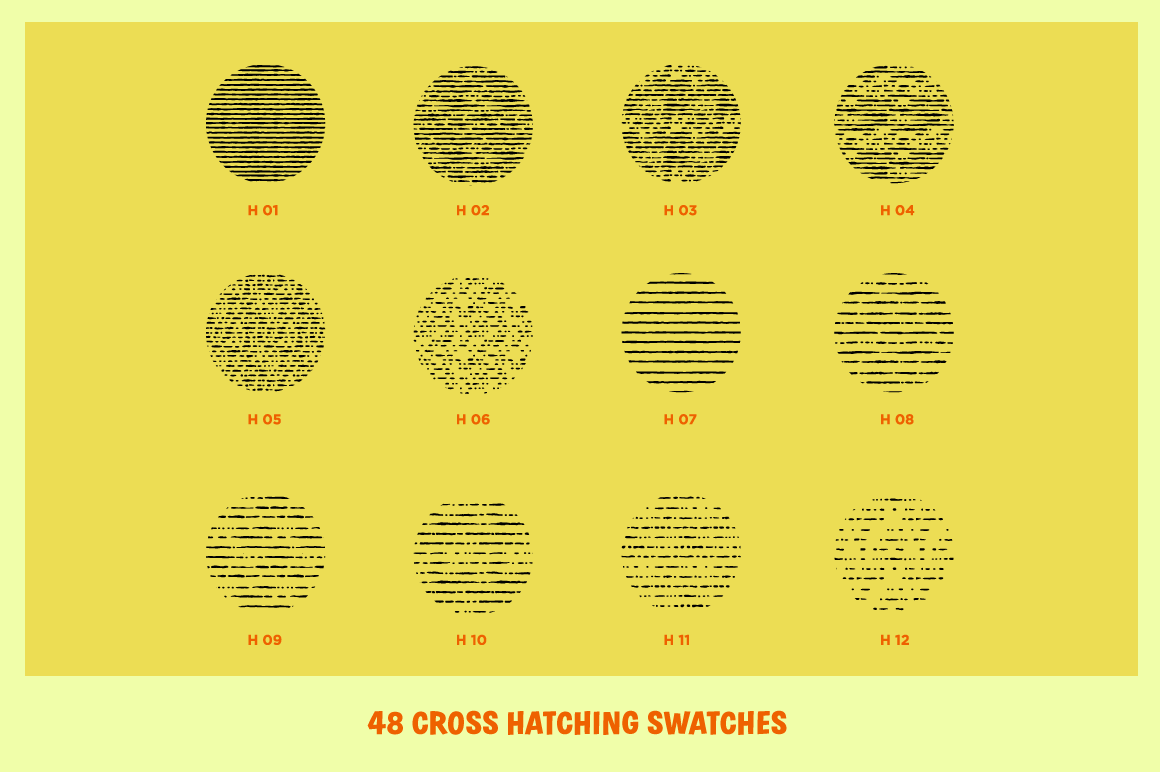
- 48 cross hatching swatches perfect for use with the Blob Brush tool.
- Brush Reference Sheets & Easy-to-follow installation instructions.
- Made for Adobe Illustrator CS4 and above.
Software: Adobe Illustrator CS4 and above
Hardware: 2.4ghz processor or higher
Memory: 16gb RAM or higher
Storage: 340 MB
Do you use Procreate? Grab Cross-Country Crosshatchers for Procreate here.
Example of Illustrator Brushes in Use
If you know exactly how you like to work with Adobe Illustrator brushes and swatches then this is the pack for you. The Basic pack includes everything you need to get up and running fast including.
- 216 hatching brushes for Illustrator to give you perfect crosshatching textures in your illustrations.
- 108 centered brushes and 108 edge brushes.
- 48 crosshatching swatches perfect for use with the Blob Brush tool.
- Brush Reference Sheets & Easy-to-follow installation instructions.
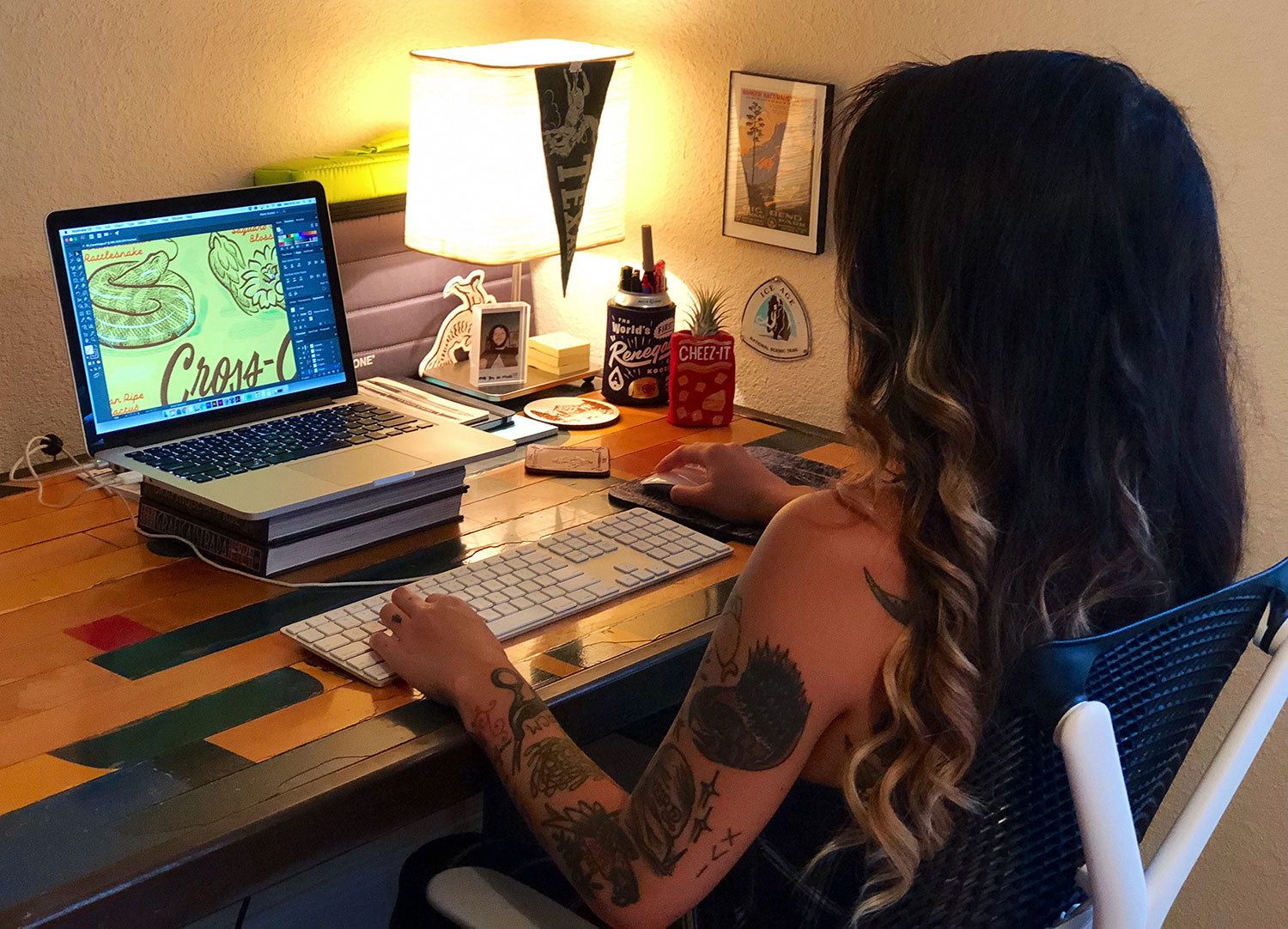
One of the best ways to learn a new technique fast is to learn by watching a professional illustrator work.
When you buy the Premium version of Cross-Country Crosshatchers you'll get to learn from Alana Lyons, the artist who illustrated the pack, with these included upgrades.
- Everything included in the Basic version.
- One narrated behind-the-scenes tutorial video of the cover (7 minutes).
- Two time-lapse videos where Alana shows you how she changes swatch colors and uses swatches with shapes for adding details to her work.
- Adobe Illustrator files (.ai) of artwork from the pack that you can open, inspect, and reverse engineer to learn exactly how each piece of art is built.
If you like the style of the illustrations featured in this pack the premium pack is for you––Alana has never shared a tutorial before, so you're sure to learn at least one thing you didn't know.
If you already feel confident about how to use Adobe Illustrator brushes and don't want to learn any of the secrets behind these illustration the Basic version is a better choice for you.
Details & Craftsmanship
Every detail has been carefully considered to bring you the perfect product.

Details & Craftsmanship
Every detail has been carefully considered to bring you the perfect product.

Details & Craftsmanship
Every detail has been carefully considered to bring you the perfect product.

Details & Craftsmanship
Every detail has been carefully considered to bring you the perfect product.
Details & Craftsmanship
Every detail has been carefully considered to bring you the perfect product.

Details & Craftsmanship
Every detail has been carefully considered to bring you the perfect product.

Details & Craftsmanship
Every detail has been carefully considered to bring you the perfect product.

Details & Craftsmanship
Every detail has been carefully considered to bring you the perfect product.
Details & Craftsmanship
Every detail has been carefully considered to bring you the perfect product.
Details & Craftsmanship
Every detail has been carefully considered to bring you the perfect product.

Details & Craftsmanship
Every detail has been carefully considered to bring you the perfect product.

Details & Craftsmanship
Every detail has been carefully considered to bring you the perfect product.

Details & Craftsmanship
Every detail has been carefully considered to bring you the perfect product.

Details & Craftsmanship
Every detail has been carefully considered to bring you the perfect product.

Details & Craftsmanship
Every detail has been carefully considered to bring you the perfect product.

Details & Craftsmanship
Every detail has been carefully considered to bring you the perfect product.
Details & Craftsmanship
Every detail has been carefully considered to bring you the perfect product.

Details & Craftsmanship
Every detail has been carefully considered to bring you the perfect product.
Description
Get Natural Looking Crosshatching in Seconds
Developed by artist in France hundreds of years ago, crosshatching is the technique of adding shade, depth, and texture to illustrations with closely spaced lines.
By overlapping different angles of the lines you can add life and interest into the most simple drawing.
Our Cross-Country Crosshatchers Pack includes every single tool you'll ever need to add crosshatching to your illustrations in Adobe Illustrator––and quickly too.
Product Features
- 216 hatching brushes for Adobe Illustrator to give you perfect crosshatching textures in your illustrations.
- 108 centered brushes and 108 edge brushes (for easy work on large areas or precise edges).
- 48 cross hatching swatches perfect for use with the Blob Brush tool.
- Brush Reference Sheets & Easy-to-follow installation instructions.
- Made for Adobe Illustrator CS4 and above.
Software: Adobe Illustrator CS4 and above
Hardware: 2.4ghz processor or higher
Memory: 16gb RAM or higher
Storage: 340 MB
Do you use Procreate? Grab Cross-Country Crosshatchers for Procreate here.
Example of Illustrator Brushes in Use
If you know exactly how you like to work with Adobe Illustrator brushes and swatches then this is the pack for you. The Basic pack includes everything you need to get up and running fast including.
- 216 hatching brushes for Illustrator to give you perfect crosshatching textures in your illustrations.
- 108 centered brushes and 108 edge brushes.
- 48 crosshatching swatches perfect for use with the Blob Brush tool.
- Brush Reference Sheets & Easy-to-follow installation instructions.
One of the best ways to learn a new technique fast is to learn by watching a professional illustrator work.
When you buy the Premium version of Cross-Country Crosshatchers you'll get to learn from Alana Lyons, the artist who illustrated the pack, with these included upgrades.
- Everything included in the Basic version.
- One narrated behind-the-scenes tutorial video of the cover (7 minutes).
- Two time-lapse videos where Alana shows you how she changes swatch colors and uses swatches with shapes for adding details to her work.
- Adobe Illustrator files (.ai) of artwork from the pack that you can open, inspect, and reverse engineer to learn exactly how each piece of art is built.
If you like the style of the illustrations featured in this pack the premium pack is for you––Alana has never shared a tutorial before, so you're sure to learn at least one thing you didn't know.
If you already feel confident about how to use Adobe Illustrator brushes and don't want to learn any of the secrets behind these illustration the Basic version is a better choice for you.